
$10.55 USD

Black / Bluetooth / COMMON
GP-8E6859D1
1.43 kg
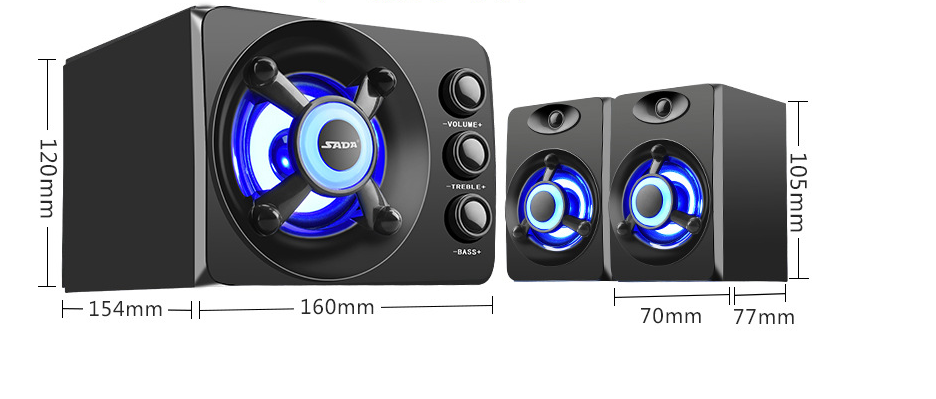
250*200*250(1mm)
-
note:
There are currently two versions of the speaker, which can be purchased according to demand
Lantern version and Bluetooth multifunction version
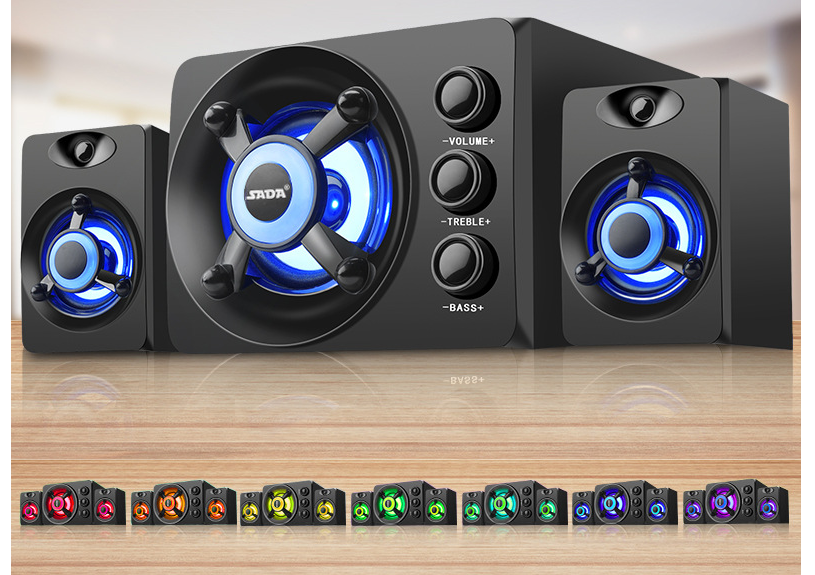
1. Colorful Light Edition
1. Connect via 3.5mm audio cable (knob switch)
2. Bluetooth multi-function version: (can turn on/off the colored lights separately)
Can be connected via 3.5mm wired or Bluetooth
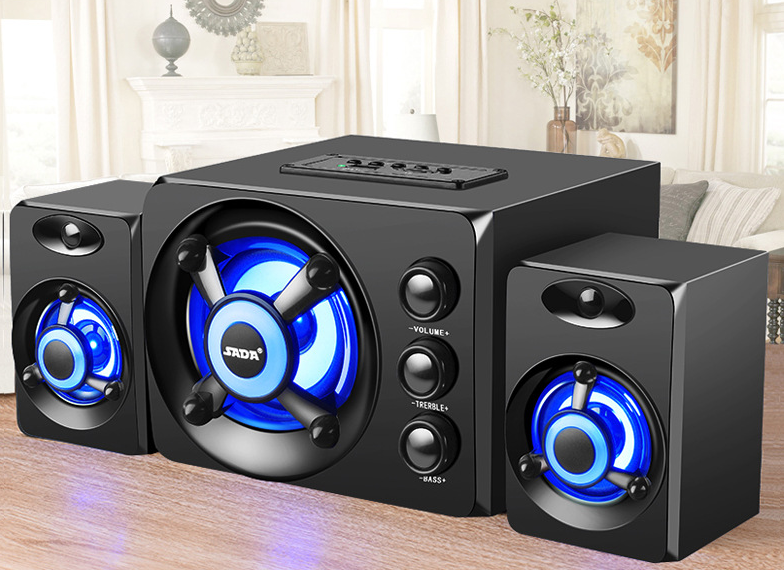
Support U disk playback, TF card playback, with control panel (top switch short press on/off lights long press to shut down)
Tips
Please connect the USB cable to the blue USB3.0 port on the back of the computer case
3. Please connect the 5 audio cable to the green audio interface behind the computer case
Part of the USB2.0 interface and front connection C] will limit the power supply, which may cause insufficient bass or even noise
Therefore, it is recommended to connect the blue 3.0 interface behind or use a mobile phone charger to provide better sound quality.
Correct use method
①USB power supply is plugged into the USB port of the computer
(It is recommended to plug in the power supply behind the host or use the mobile phone charging head to supply power)
day
②3.5MM audio cable is plugged into the audio interface of the computer
③The two wires are plugged into the computer at the same time.
. (Connect to tablet, mobile phone, MP3 and other devices requires an additional power supply)
Introduction and notes of various modes
Wired mode: Connect the 3.5MM audio interface to the device audio interface, and the desktop computer to the green audio interface.
Note: The USB port is recommended to connect to the blue USB3.0 interface or the rear USB interface (power supply is stable and sound quality is better)
Bluetooth mode: turn on Bluetooth in mobile phones and other devices, and then search for audio devices at the beginning of SADA, and click Connect to connect successfully.
Note: The MODE button switches the mode, do not put the speaker near the source of interference (devices such as fans/microwave ovens/mains power supply)
Music mode: plug-in card mode, you can insert a U disk or TF card, you can control the first play/pause on the control panel.
Note: Only one type can be inserted at the same time, the quality of the U disk/TF and the song quality determine the sound quality of the playback, try to put the card with the fastest reading speed
Mode switching: adopt the later priority rule, for example, when connecting and playing and suddenly inserting the U disk, the songs in the card will be played first, or
Manually press MODE to switch the mode (Chinese voice prompt when switching)