
$4.13 USD

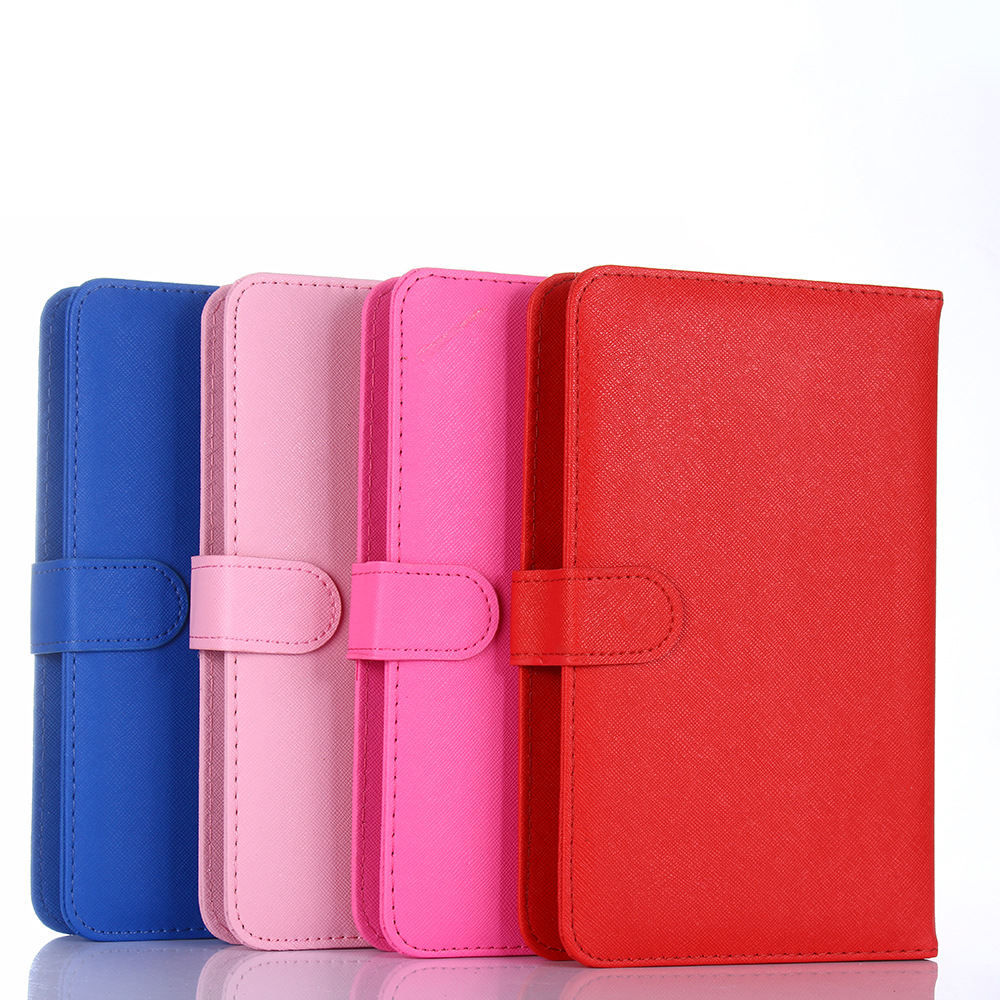
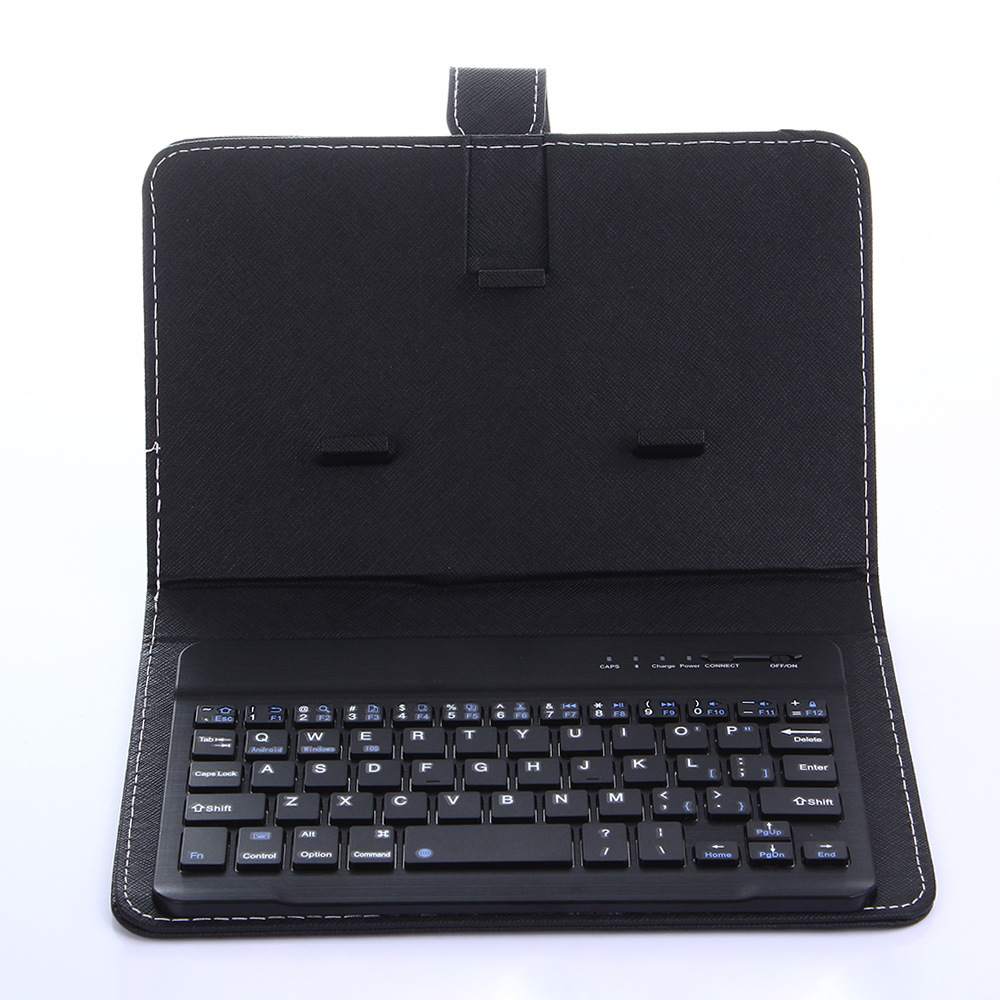
Black / BATTERY
GP-B9EB6277
0.32 kg
200*190*80(1mm)
-
Note:
Non-Apple branded products,Compatible with iPhone models
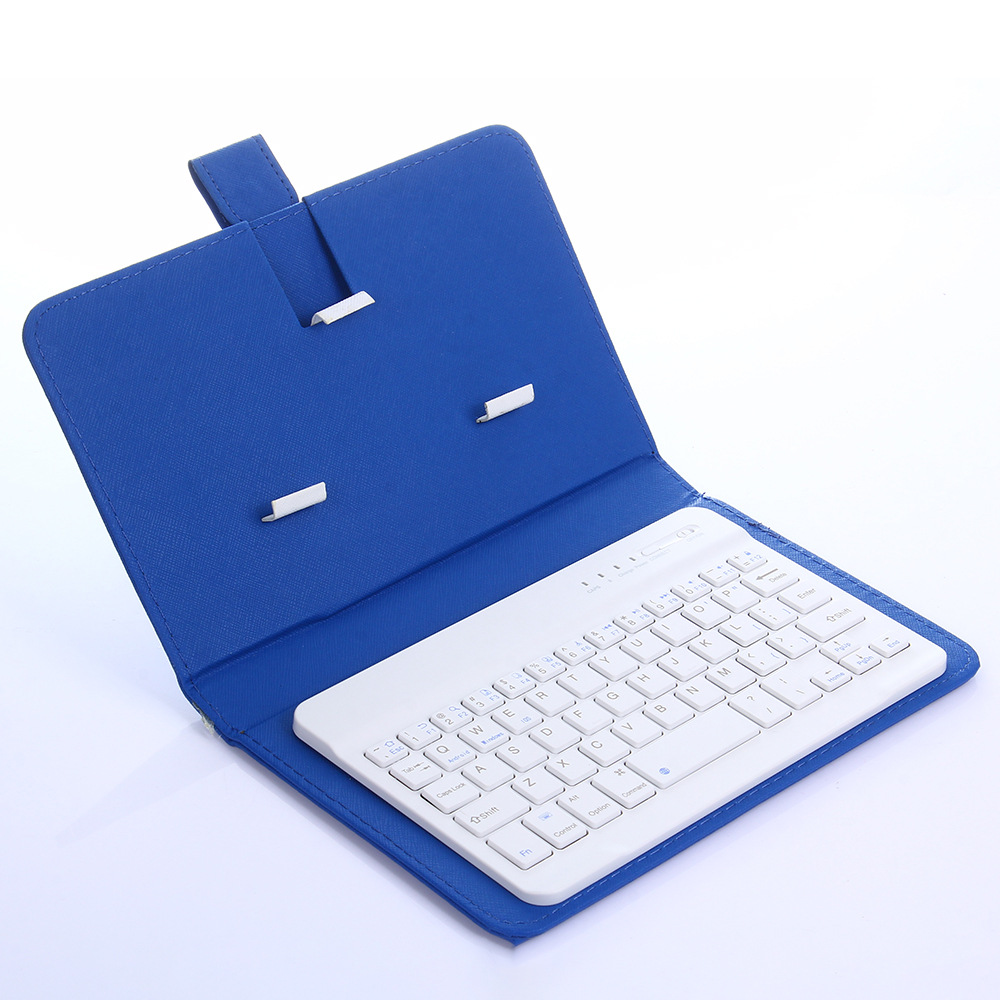
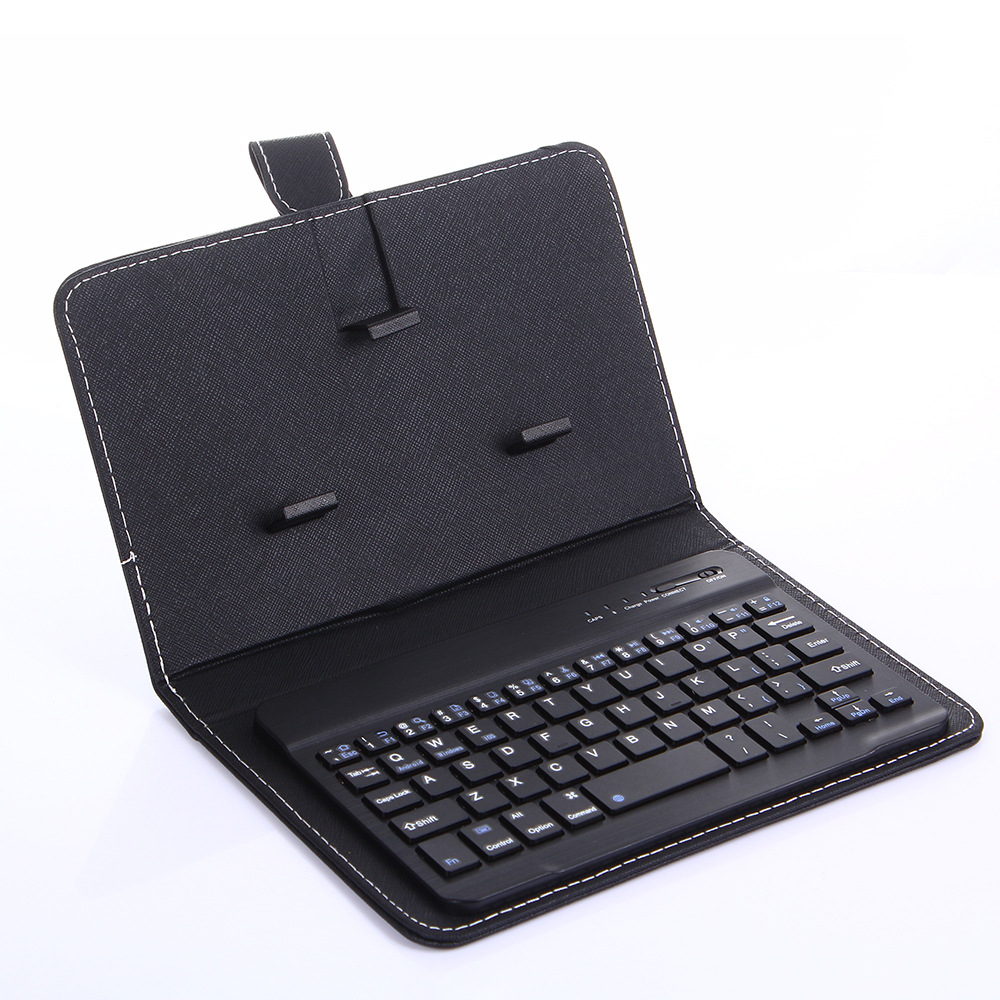
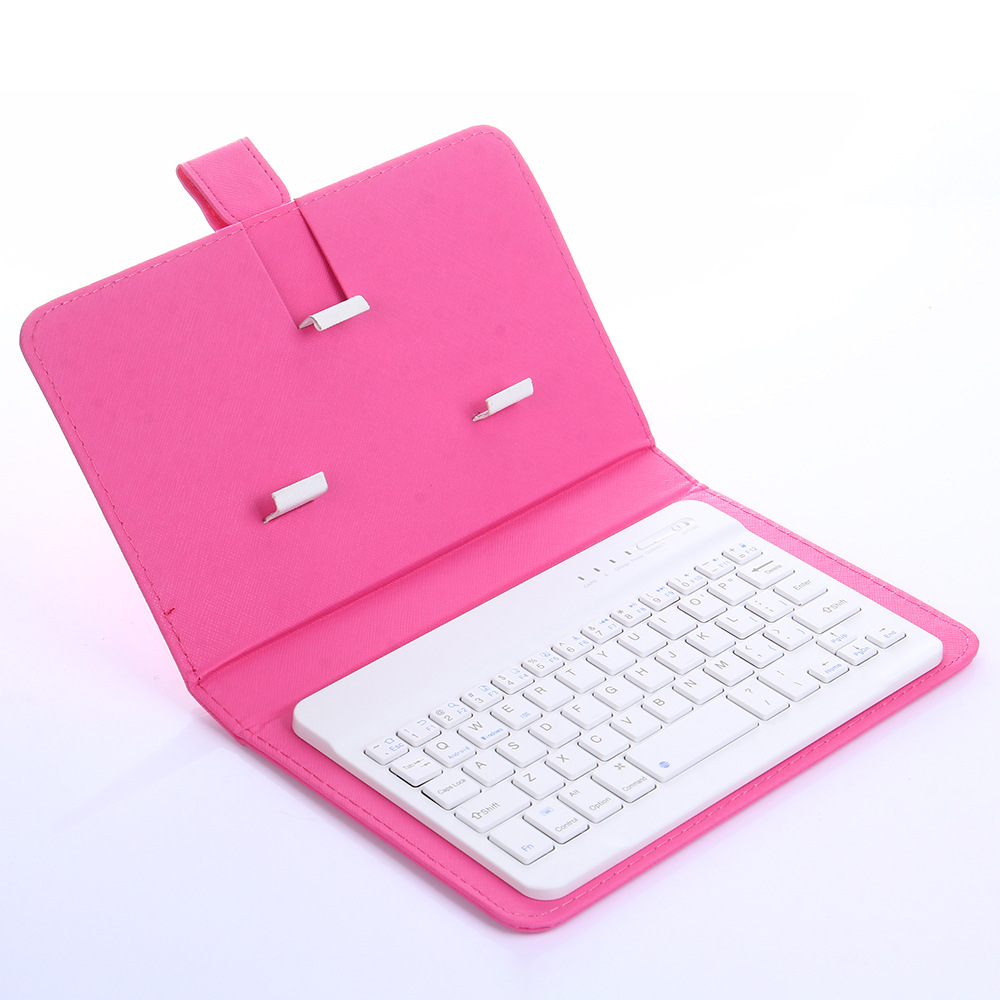
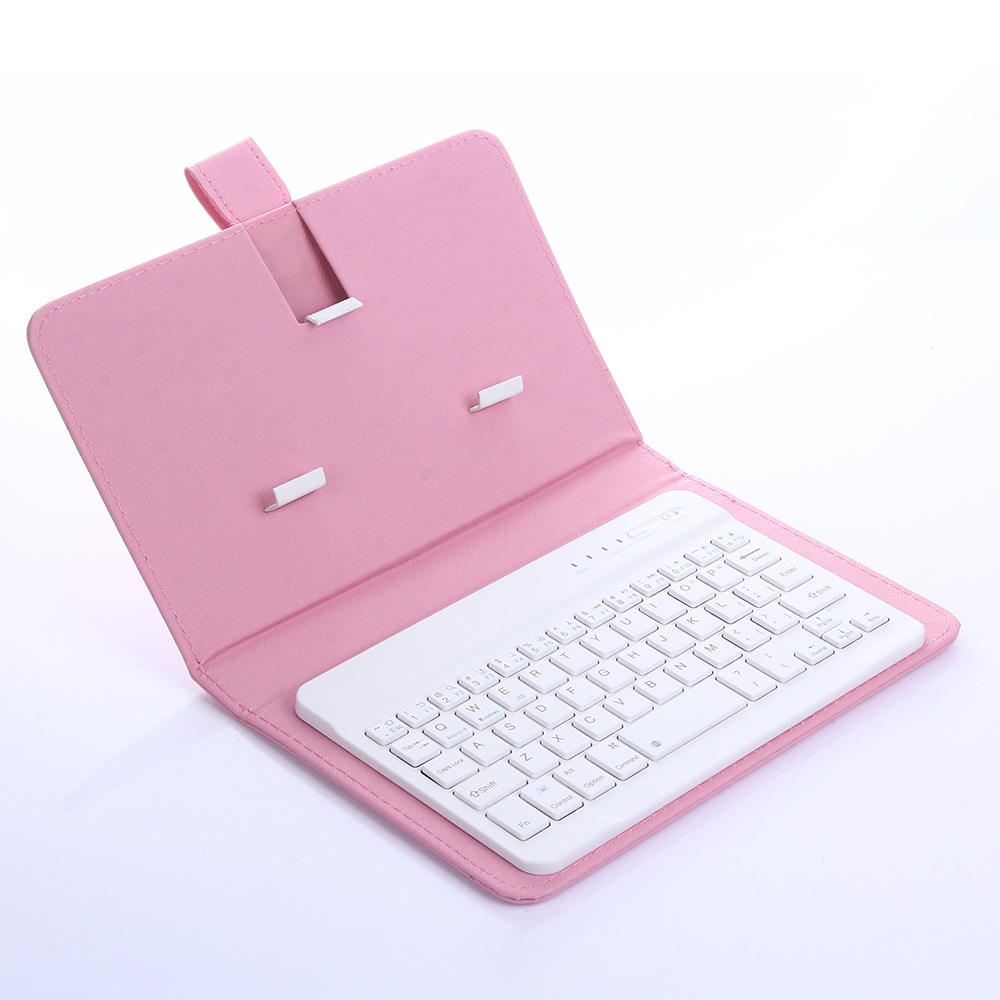
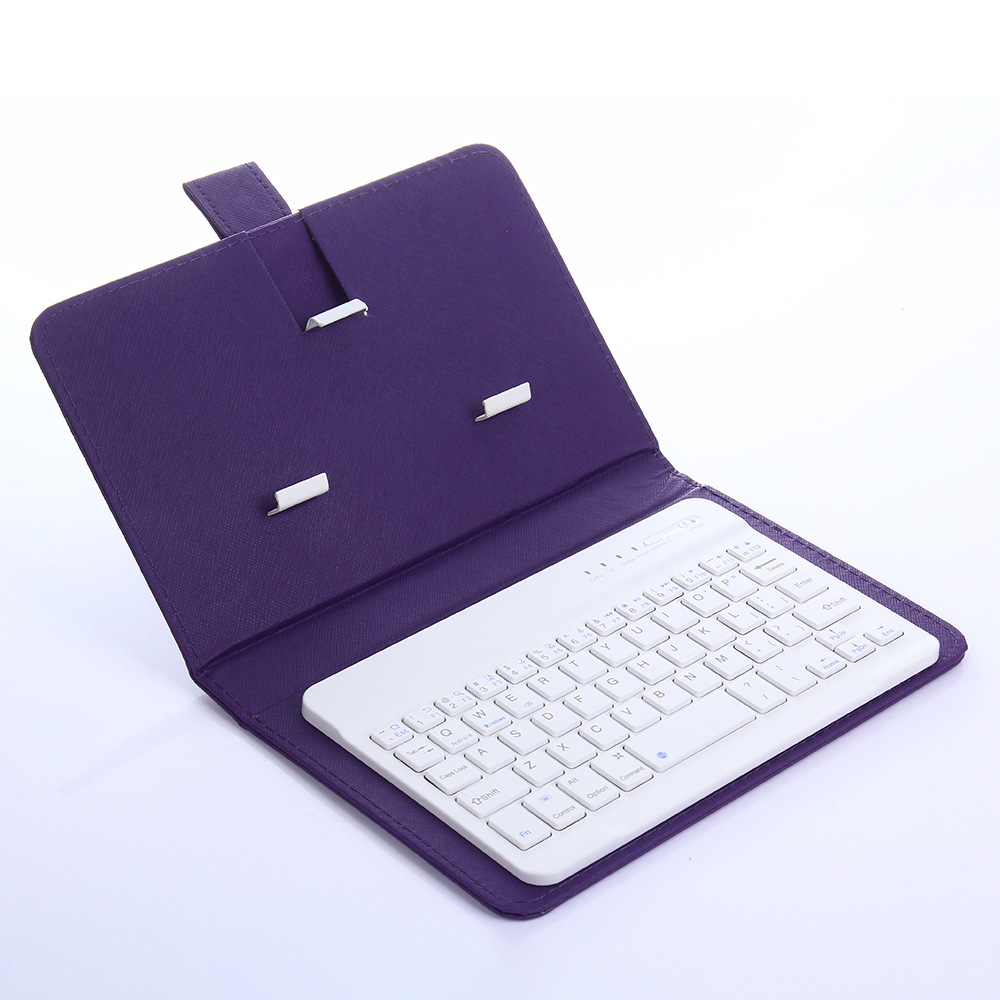
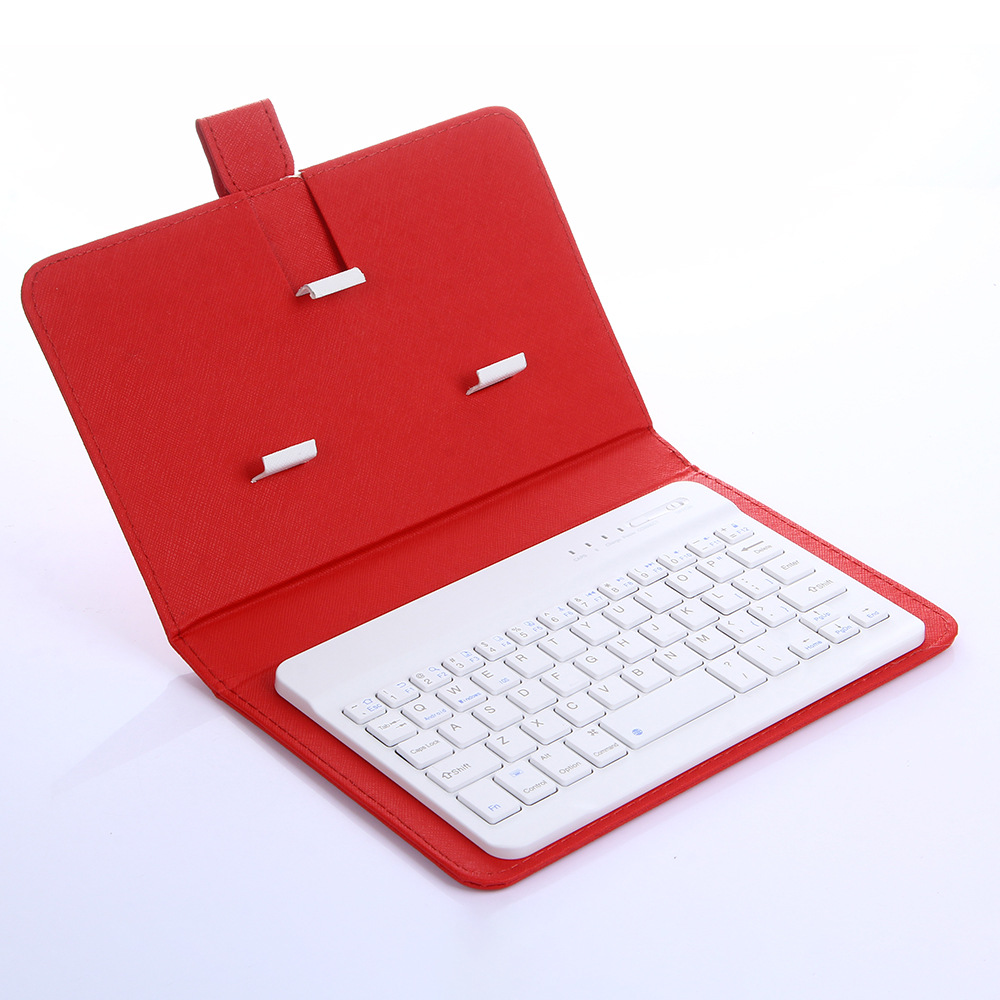
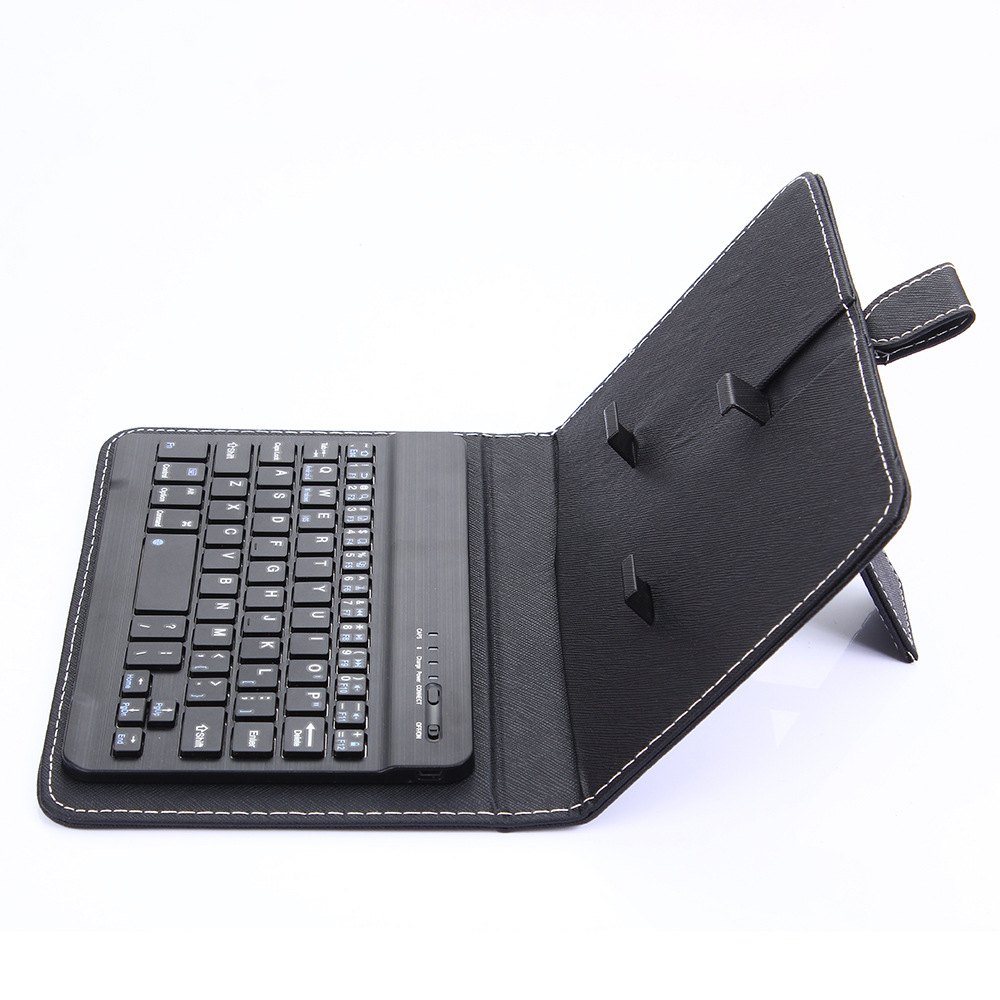
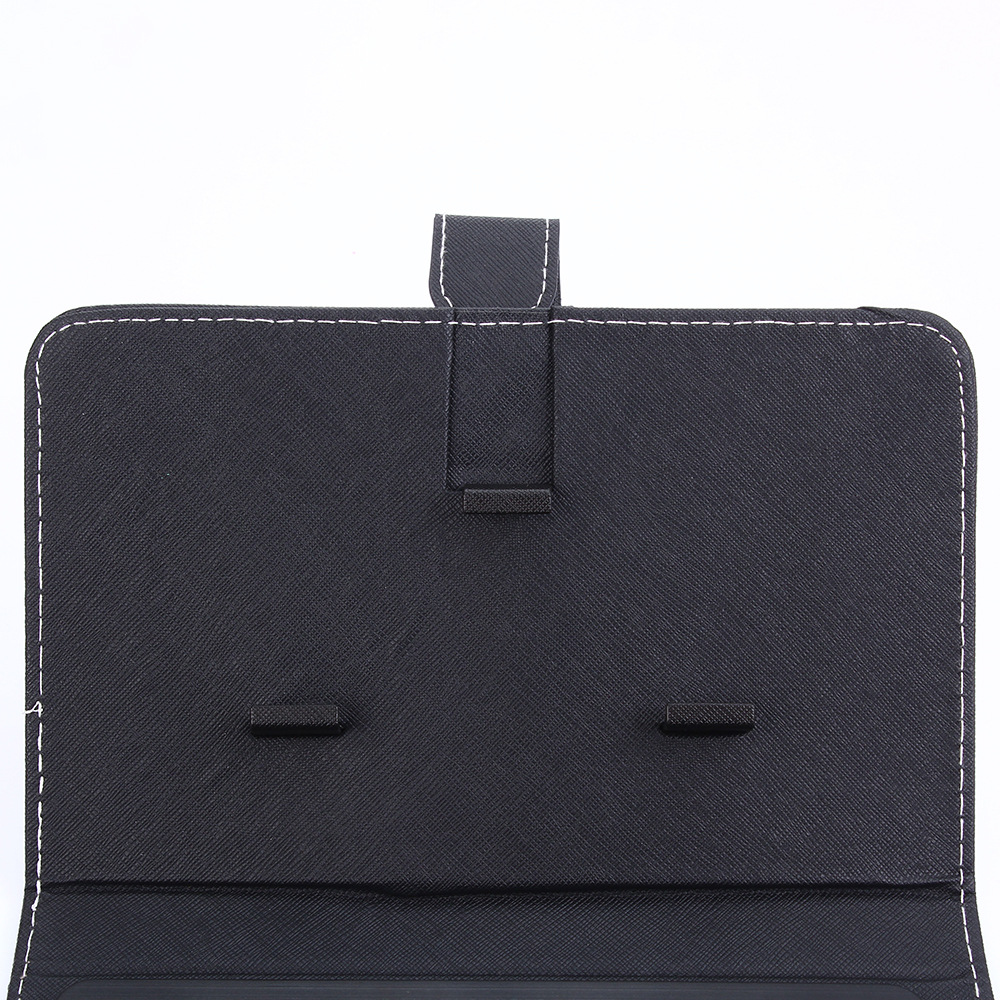
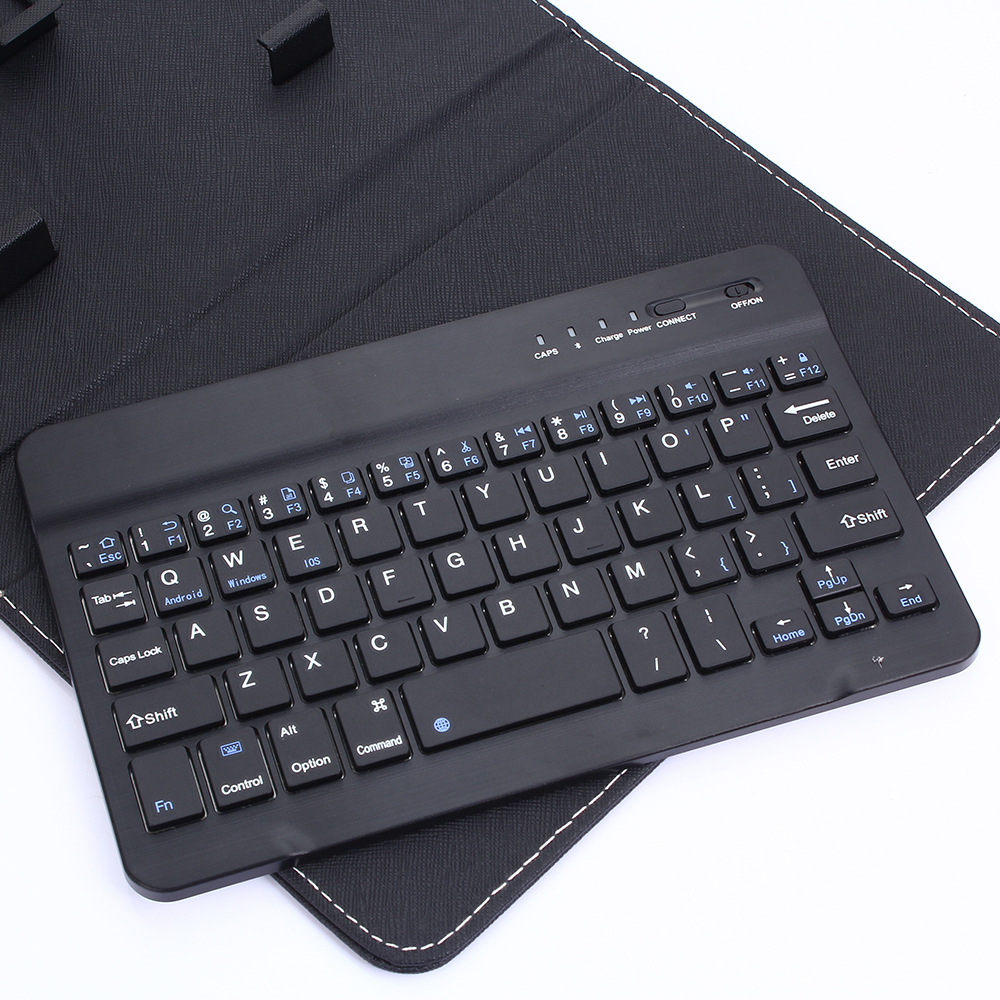
Bluetooth Holster Keyboard Mobile Universal Bluetooth Holster Keyboard
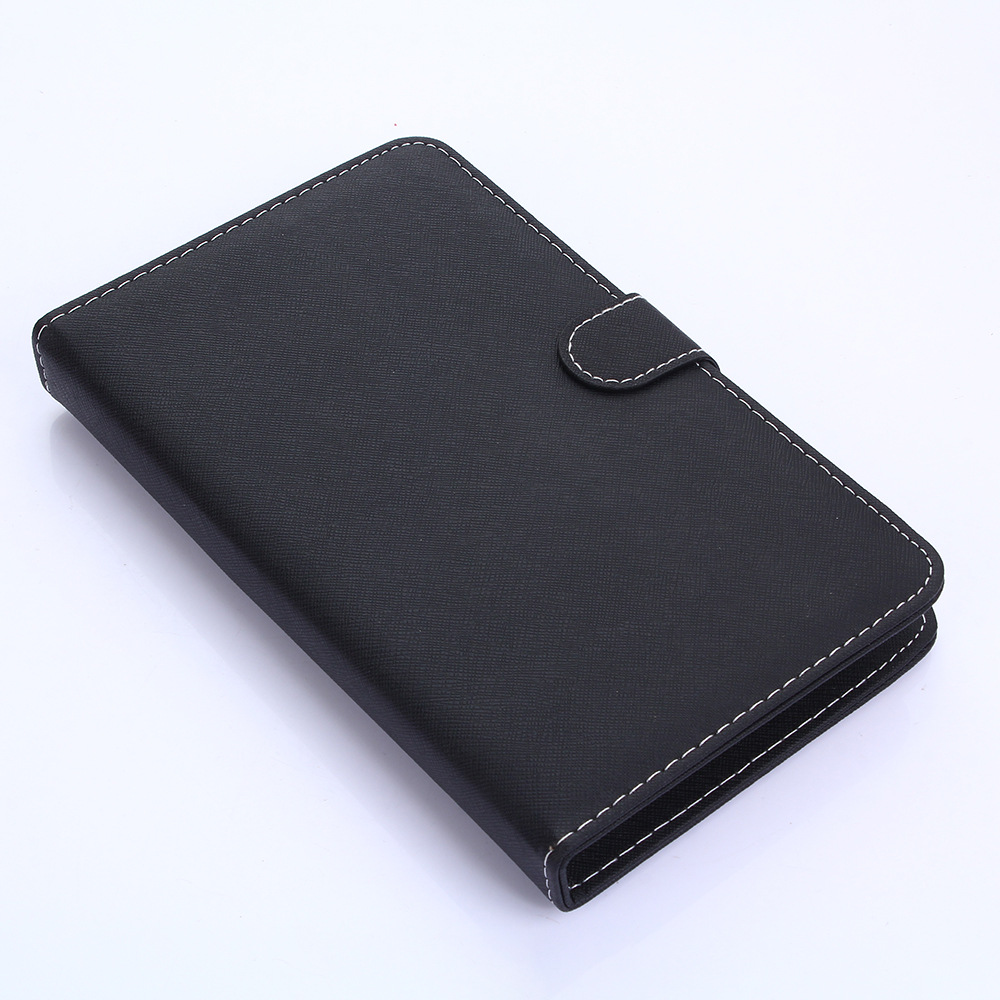
Portable one-piece leather keyboard for better protection of the computer
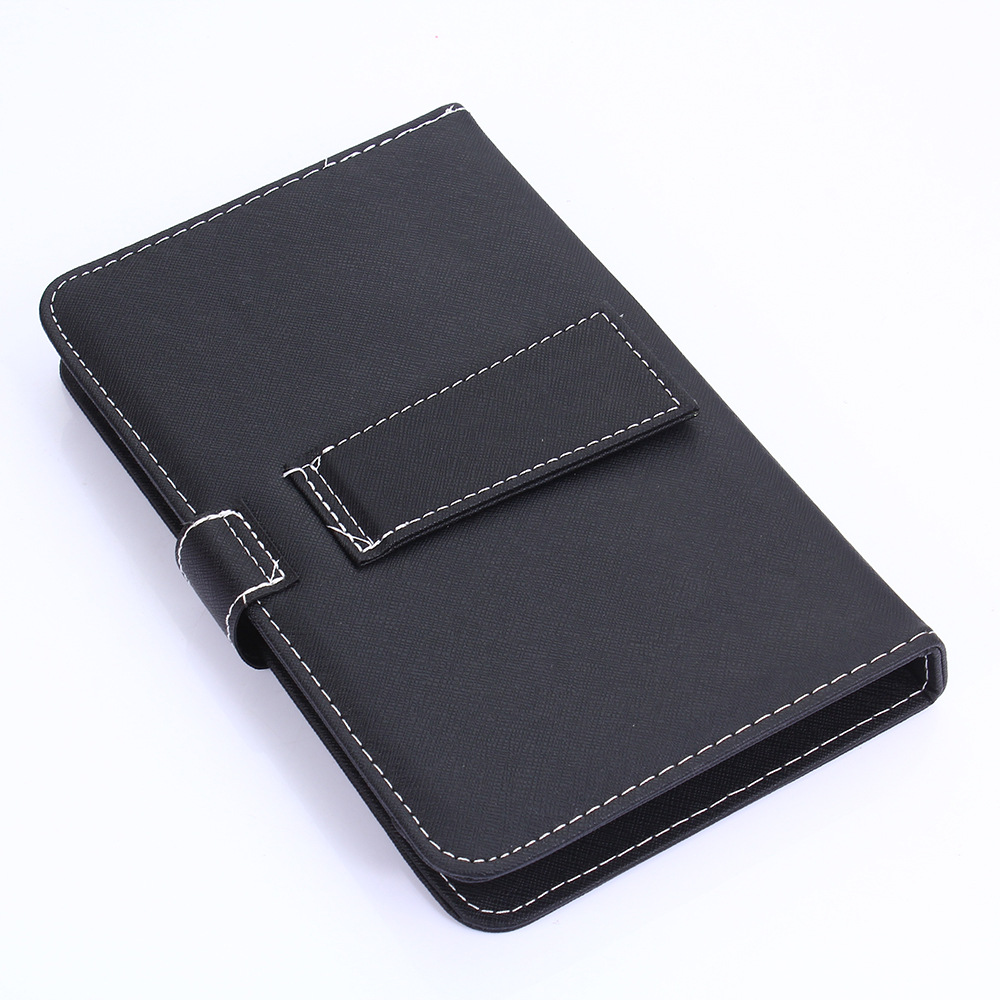
With stand function, convenient for business office
Applicable Model:
Mobile phone screen 4.5 inch - 6.8 inch (or mobile phone width 6-9.5CM) All Android or Apple system with Bluetooth enabled phones are available.
product description:
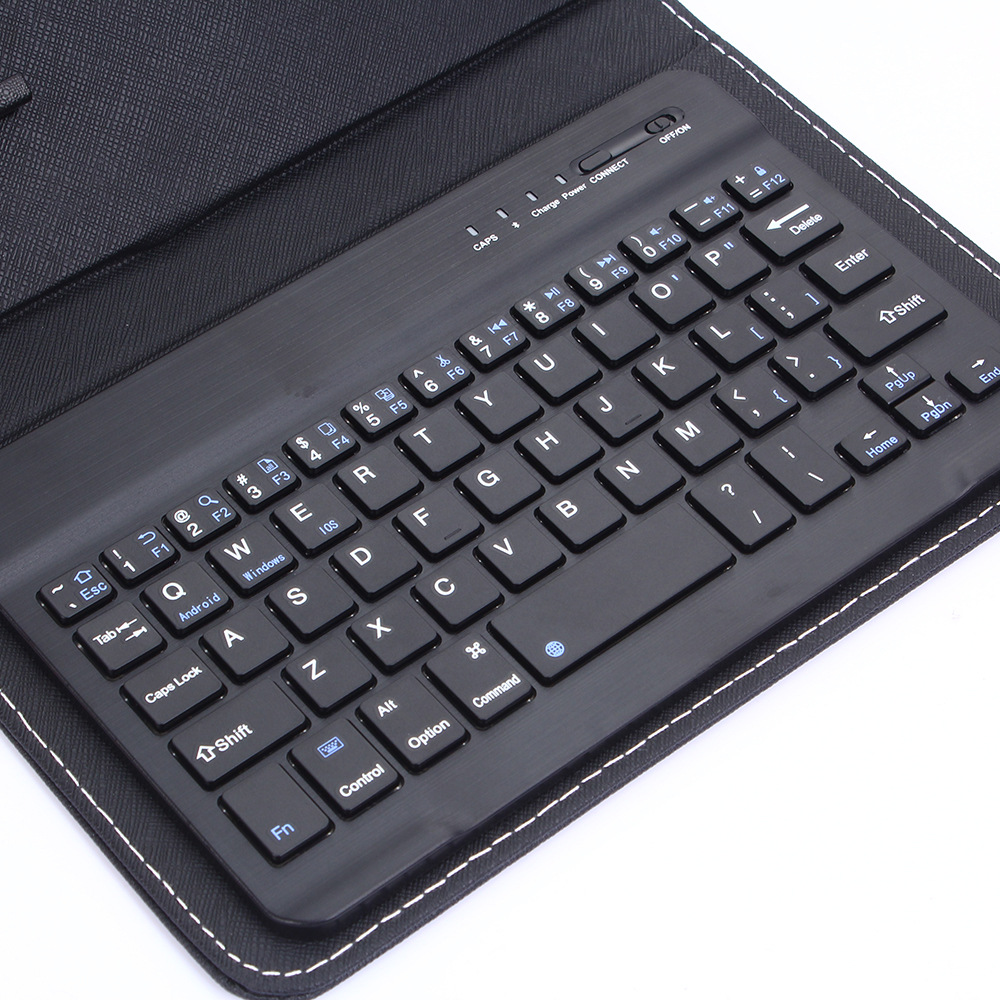
1. Keyboard material: brushed pattern processing, high-end atmosphere, plastic material High quality PCBA board. .
2. Keyboard design: The keyboard is perfectly intimate design, almost perfect craftsmanship, super good button feel, easy to operate.
3. Appearance design: The appearance design is simple and generous, the seam is exquisite, the hand feel is super delicate, the internal fine craftsmanship, the various functions are convenient to operate and the machine is firmly fixed, and the machine protection is protected from scratches and damage.
4. The keyboard adopts environmentally-friendly plastic keyboard that conforms to international safety standards, dustproof, waterproof, scratch-resistant, high quality, high performance and high cost performance.
Instructions:
1. Turn on the power switch, the power indicator light is on (IPAD usage method, for reference)
2. Short press “Connect” (pairing button), the Bluetooth pairing light flashes quickly, and the Bluetooth keyboard is in the connection IPAD.
Open the ipad and click the "Settings" icon.
On the "Settings" button, click the "General" item, enter the Bluetooth settings, click "Bluetooth" to open the connection, ipad will automatically search for available Bluetooth devices.
4. Discover the Bluetooth keyboard and click "Connect"
5. Type the password displayed on the screen via the Bluetooth keyboard.
6. The keyboard connection is successful, the code indicator is off, and the power indicator will be on until the power is off.